
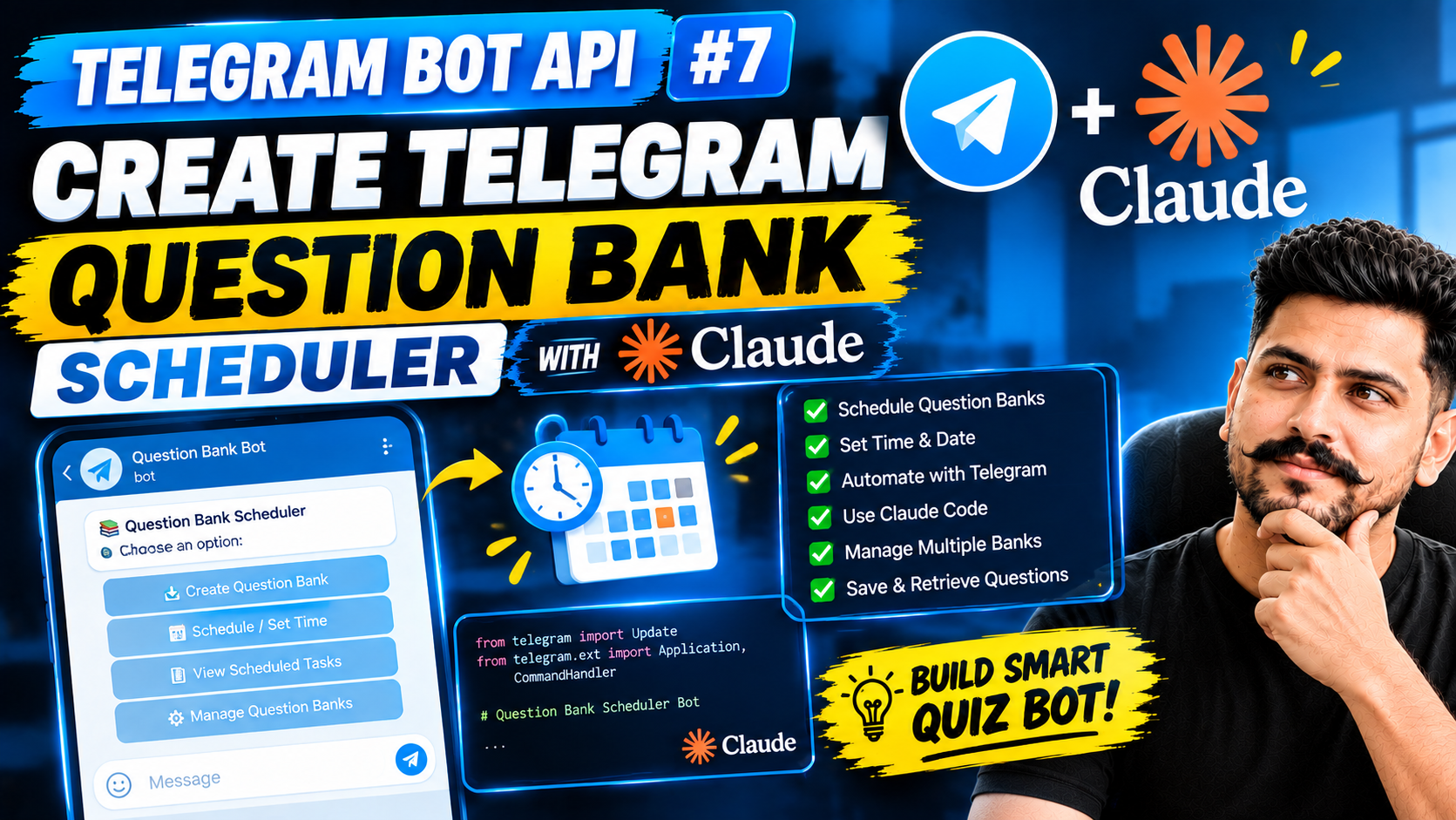
How to Create a Telegram Question Bank Scheduler with Claude Code
Watch Video. : Watch videoIn this tutorial, we will learn how to create a Telegram Question Bank Scheduler using the Telegram Bot API and Claude Code. The project allows you to create question banks, schedule questions, and automatically send them through a Telegram bot.
This is Video #7 of the Telegram Bot API Mastery series, where we build practical Telegram bot projects while learning how to use AI-assisted coding tools.
What Is a Telegram Question Bank Scheduler?
A Telegram Question Bank Scheduler is a bot-based system that allows you to create and manage questions and schedule them to be delivered through Telegram at a specific date and time.
Instead of manually sending every question, the bot can handle the scheduling and delivery automatically. This can be useful for quizzes, educational channels, practice tests, daily questions, and other learning-based Telegram communities.
What We Will Build
In this project, we will create a Telegram bot with features for managing question banks and scheduling questions.
Key Features
- Create and manage question banks
- Add questions to a question bank
- Schedule questions for a specific date and time
- Automatically send scheduled questions through Telegram
- View and manage scheduled tasks
- Save and retrieve question bank data
- Use Claude Code to assist with development
How to Create a Telegram Question Bank Scheduler
Step 1: Create a Telegram Bot
The first step is to create a Telegram bot and obtain the bot token. The token allows your application to communicate with the Telegram Bot API and perform actions such as sending messages and interacting with users.
Step 2: Create the Question Bank System
Next, we create the question bank structure. Questions can contain information such as the question text, available options, correct answers, and other required data.
This structure makes it easier to store, retrieve, and schedule questions later.
Step 3: Add Scheduling Functionality
The next part of the project is the scheduler. Users can select a question bank and specify when the questions should be sent.
The scheduler then checks the scheduled tasks and sends the appropriate question to Telegram at the configured time.
Step 4: Connect the Scheduler with Telegram
Once the scheduling system is ready, we connect it with the Telegram Bot API. The bot can then automatically deliver scheduled questions to the selected Telegram chat.
Step 5: Use Claude Code for Development
In this project, Claude Code is used as an AI coding assistant. Instead of manually writing every part of the application, we can describe the required functionality and use Claude Code to help generate, modify, and troubleshoot the code.
The important part is understanding the generated code and making the necessary changes rather than simply copying AI-generated code without understanding it.
Why Use Claude Code?
Claude Code can help developers speed up the development process by assisting with project structure, code generation, debugging, feature implementation, and code improvements.
For a project such as a Telegram Question Bank Scheduler, this can make it easier to experiment with different features and quickly build a working prototype.
Use Cases for a Telegram Question Scheduler
A Telegram Question Bank Scheduler can be used for several educational and automation scenarios.
Daily Quiz Questions
Create a question bank and automatically send one or more questions every day to your Telegram community.
Exam Preparation
Students can receive scheduled MCQs and practice questions at predefined times.
Telegram Learning Communities
Educational communities can use scheduled questions to keep members engaged with regular practice.
Automated Quiz Systems
The bot can become part of a larger Telegram quiz system where questions are automatically delivered according to a predefined schedule.
Telegram Bot API Documentation
You can learn more about the official Telegram Bot API and explore the available methods and features in the official documentation.
Visit the Telegram Bot API Documentation
Get the Source Code
Want to build the project yourself? The complete source code for this tutorial is available through the GitHub repository.
Visit the GitHub link provided with this tutorial to access the source code and project files.
You can download the project, study the code, experiment with the features, and modify it according to your requirements.
Watch Video #7
This tutorial is part of the Telegram Bot API Mastery series.
Video #7 – Create Telegram Question Bank Scheduler with Claude Code
Telegram Bot API Mastery Series
- Video #1 – First Telegram Bot API Message
- Video #2 – Get Updates & Send Messages
- Video #3 – Telegram Bot Settings
- Video #4 – Telegram sendPoll API
- Video #5 – Build Telegram Login Page with Claude AI
- Video #6 – Build Question Bank Creator with Claude Code
- Video #7 – Create Telegram Question Bank Scheduler with Claude Code
Conclusion
Building a Telegram Question Bank Scheduler is a practical way to learn Telegram Bot API, automation, scheduling, and AI-assisted development. By combining Telegram with Claude Code, you can create useful bot projects while learning how AI coding assistants can support the development workflow.
If you are learning Telegram Bot API, Python, Telegram automation, Claude Code, AI coding, or bot development, follow the complete Telegram Bot API Mastery series for more practical projects.
FAQ: Telegram Question Bank Scheduler with Claude CodeFrequently Asked Questions
1. What is a Telegram Question Bank Scheduler?
A Telegram Question Bank Scheduler is a bot-based system that allows you to create, manage, and schedule questions to be automatically sent through Telegram at specific dates and times. It can be used for quizzes, exam preparation, daily practice questions, and educational communities.
2. How can I create a Telegram Question Bank Scheduler?
You can create a Telegram Question Bank Scheduler by combining the Telegram Bot API with a programming language such as Python and a scheduling system. The application stores questions, accepts scheduling information, and automatically sends the selected questions to Telegram at the scheduled time.
3. Can I build a Telegram Question Bank Bot with Claude Code?
Yes. Claude Code can be used as an AI coding assistant while developing the project. You can use it to generate code, structure project files, implement features, identify errors, and improve existing code. You should still review and understand the generated code before using it.
4. How do I schedule questions in a Telegram bot?
To schedule questions, your bot needs to store the question, destination chat, and scheduled date and time. A scheduler then checks for pending tasks and uses the Telegram Bot API to send the appropriate question when its scheduled time arrives.
5. Can a Telegram bot automatically send questions every day?
Yes. A scheduler can be configured to create recurring tasks, such as sending one question every day at a specific time. This makes it possible to build automated daily quiz, practice, and learning systems on Telegram.
6. What is required to build a Telegram Question Bank Scheduler?
You generally need a Telegram bot created through BotFather, a Telegram Bot API token, a programming environment such as Python, a place to store your question bank, and a scheduling mechanism. Claude Code can assist with developing and maintaining the application.
7. Can I use a Telegram Question Bank Scheduler for MCQ quizzes?
Yes. You can store multiple-choice questions with their options and correct answers, then schedule them for delivery through Telegram. The Telegram Bot API can also be used to create interactive poll-based quiz experiences.
8. Where can I get the source code for the Telegram Question Bank Scheduler?
The source code for the project can be provided through the project’s GitHub repository. Visit the GitHub link associated with this tutorial to access the code, download the project, and experiment with the Telegram Question Bank Scheduler yourself.